Help
Using this Library and Contacting the Helpdesk
Navigating the help articles
This page contains some tips and tricks for getting around this website in case you get lost.
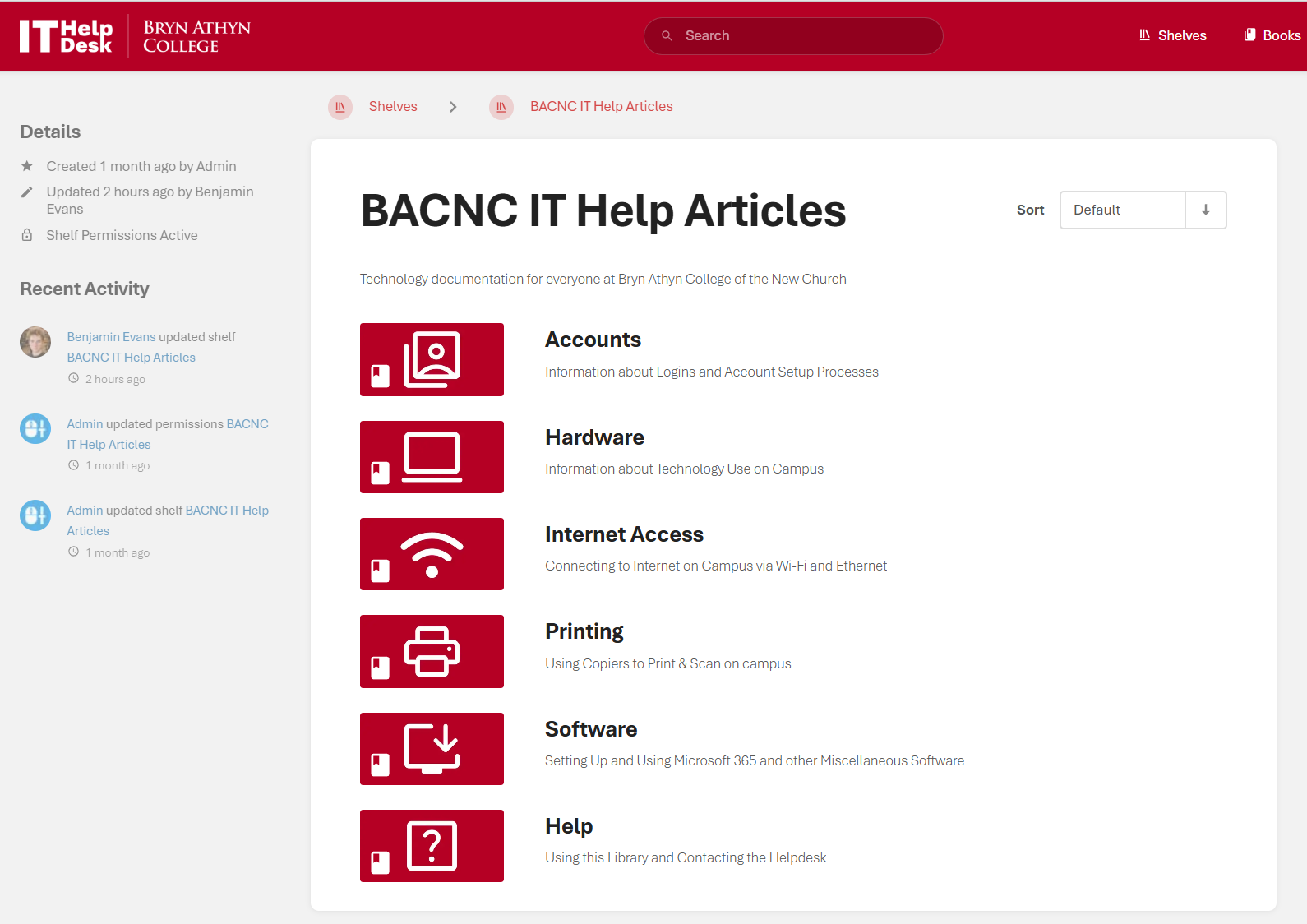
- You can search for specific pages via the search bar at the top of the screen.
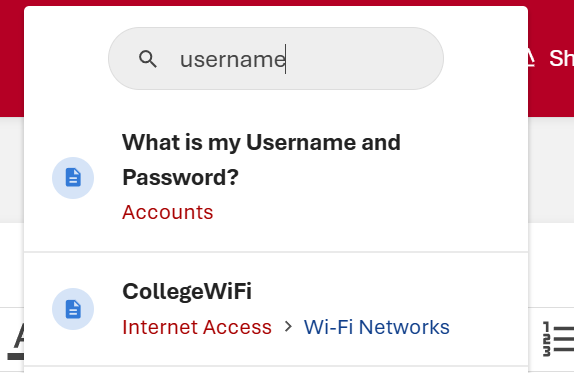
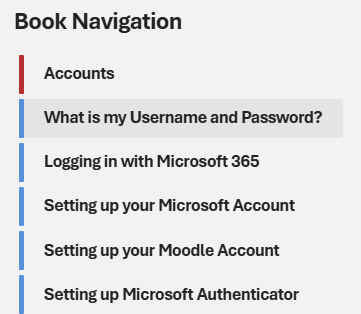
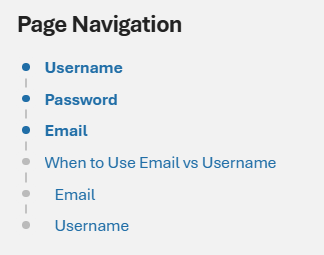
- Printing a Page
- You can print a page if you want to have it on location.
- Press
ctrl+Pon any page to do so. This will be the most consistent method.
Helpdesk contacts & office hours
Contact us
Email — helpdesk@brynathyn.edu
Call — 267-502-2680
Visit — Pendleton Hall Room 107, in the mail room
Office hours — Fall 2026
Posted hours do not account for lunch breaks or other appointments. Please call or email before any in-person meeting to ensure a tech will be available to help.
Monday/Tuesday/Thursday
- 8:30am–5:00pm
Wednesday/Friday
- 8:30am–9:30am
- 11:30am–5:00pm