# Setting up antivirus
The college requires that you use an Antivirus on devices you use to access college data. This includes laptops used for work or school, as well as occasionally personal desktops and mobile devices. Our antivirus recommendations are sorted by operating system below.
Windows
- **College Owned**
- Any Windows machine purchased/owned by the college should be protected using Microsoft Defender 365.
- This is a program that must be installed by the Helpdesk, so if you don’t think your device is protected, please contact the Helpdesk immediately.
- **Personal**
- **Employee work use**
- Personal Windows machines that are being used for work should be onboarded to Microsoft Defender 365 by Helpdesk.
- Please contact the Helpdesk to get this set up on your device.
- **Non-work use**
- Personal Windows machines not used for work related purposes can be protected with the built-in Microsoft Defender.
macOS
- College Owned
- Any Mac machine purchased/owned by the college requires Microsoft Defender 365.
- This is a program that must be installed by the Helpdesk, so if you don’t think your device is protected, please contact the Helpdesk immediately.
- Personal
- Employee work use
- Personal Mac devices require an antivirus solution to be installed for protection.
- If this is a personal device used for work, Helpdesk will set up Microsoft Defender 365 on it. Please notify the Helpdesk if you have a personal Mac used for work purposes that doesn’t have Defender on it yet.
- Non-work use
- For a free antivirus solution for Mac, the Helpdesk recommends Malwarebytes [https://www.malwarebytes.com/mwb-download ](https://www.malwarebytes.com/mwb-download%20)It is important to note that the free version of Malwarebytes does not offer automatic antivirus scanning. Scans must be run manually.
- For a paid antivirus, the Helpdesk’s current recommendation is Bitdefender for Mac. It costs $40 a year and offers: active online protection, adware blocking, ability to add extra protection to important files, and Time Machine protections, which helps secure your backups. [https://www.bitdefender.com/solutions/antivirus-for-mac.html#plans](https://www.bitdefender.com/solutions/antivirus-for-mac.html#plans)
Linux
Linux machines and their recommendations will depend upon the Linux distribution that is being used. Please contact the Helpdesk for additional information if you use a Linux device.
iOS & Android
If you use a mobile device to access company information, it must have an antivirus solution installed on it.
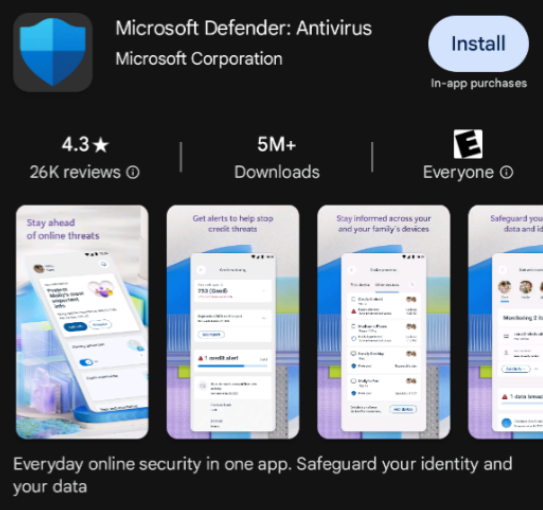
- Download Microsoft Defender onto your mobile device from the [Apple App Store](https://apps.apple.com/us/app/microsoft-defender-security/id1526737990) or [Google Play Store](https://play.google.com/store/apps/details?id=com.microsoft.scmx&utm_source=na_Med).
[](https://helpdesk.brynathyn.edu/uploads/images/gallery/2026-06/QLvimage.png)[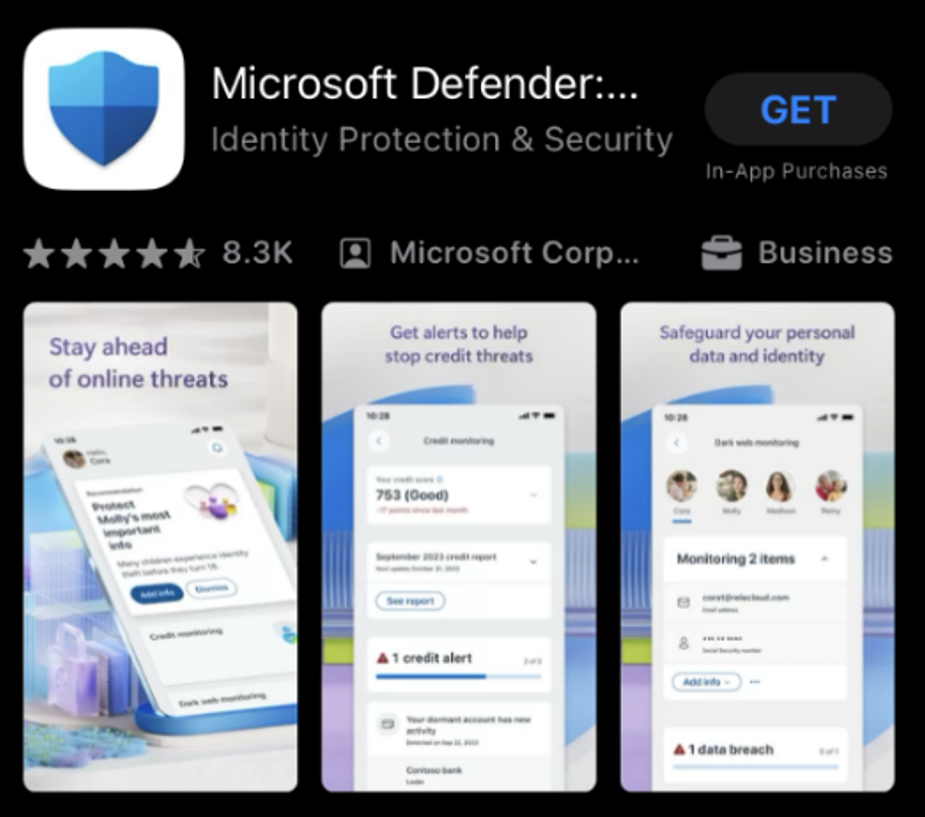](https://helpdesk.brynathyn.edu/uploads/images/gallery/2026-06/Jz0image.png)
- Once installed, you can log into the app by using your network account credentials.
- If you have any difficulties with accessing/activating protection, please contact the Helpdesk.