Resetting your Password
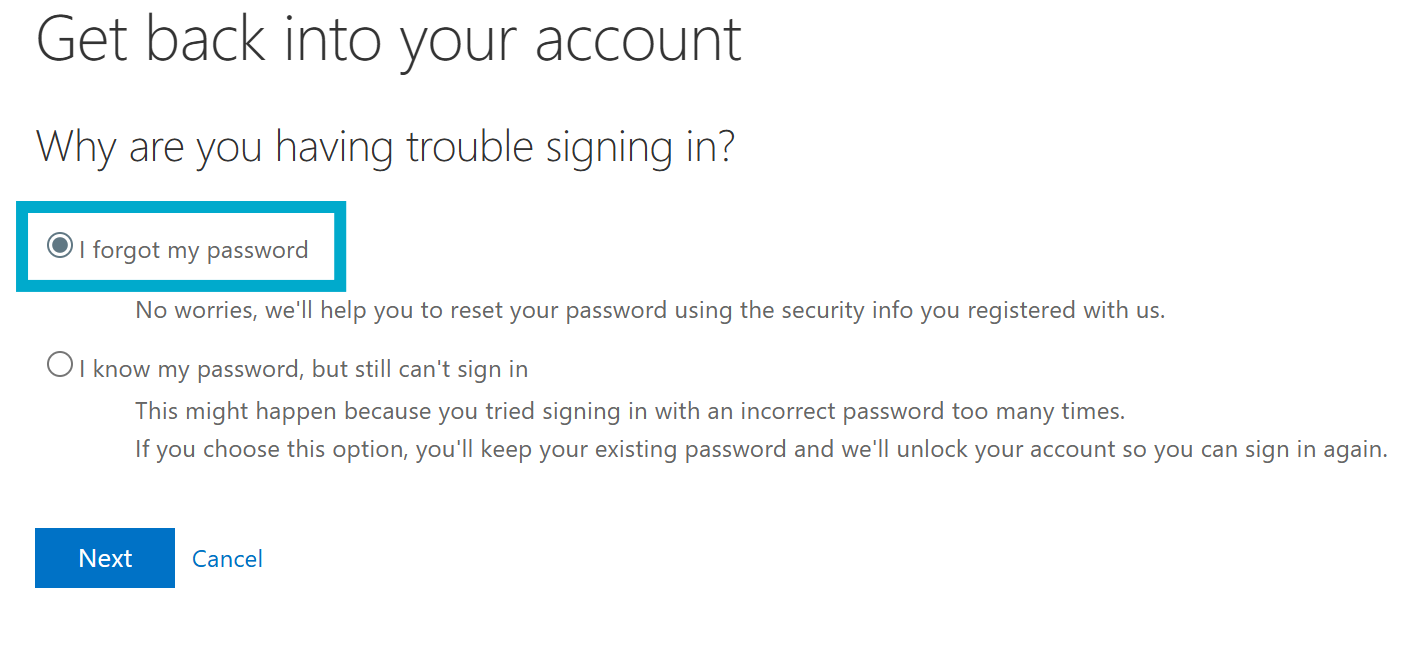
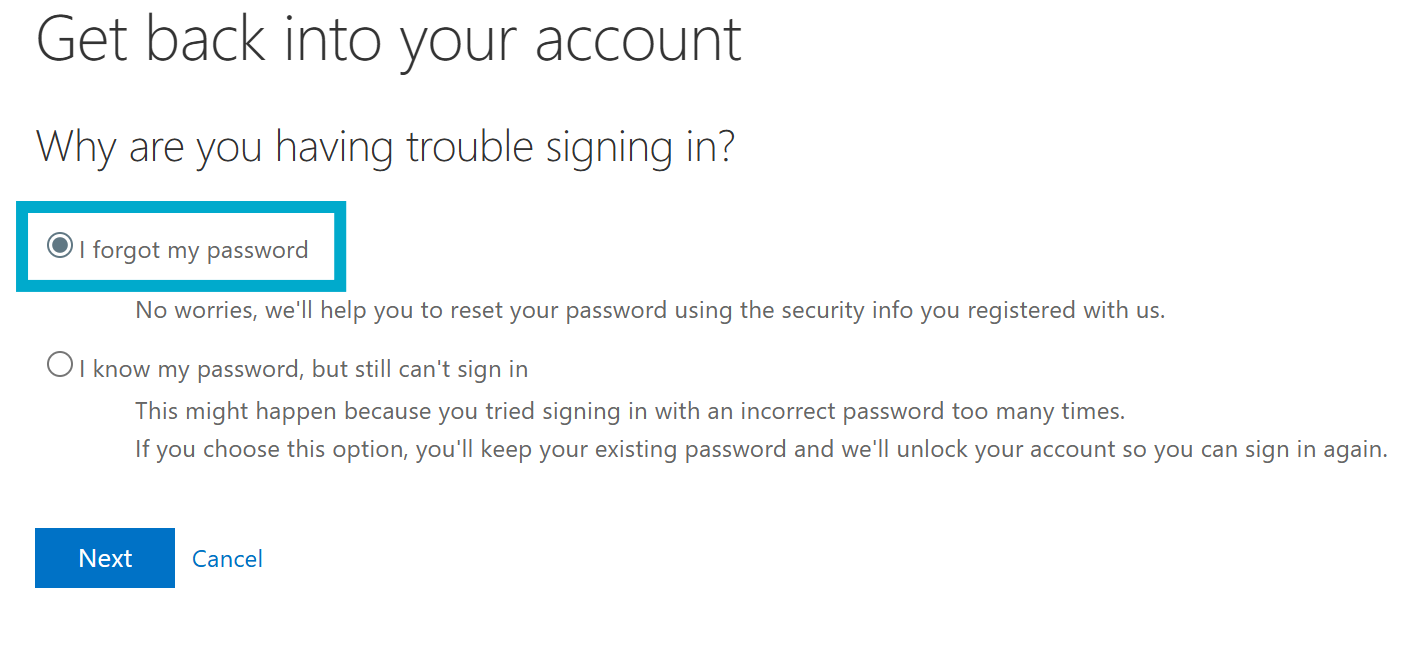
You might be unable to access your school email account because of one of the following reasons:
- Your password is not working, and you want to reset it.
- You know your password, but your account is locked out and you want to unlock it.
Follow the steps below to reset your password and access your account, provided you have previously set up authentication methods. (Phone number, recovery email, authenticator app, etc.)
Instructions
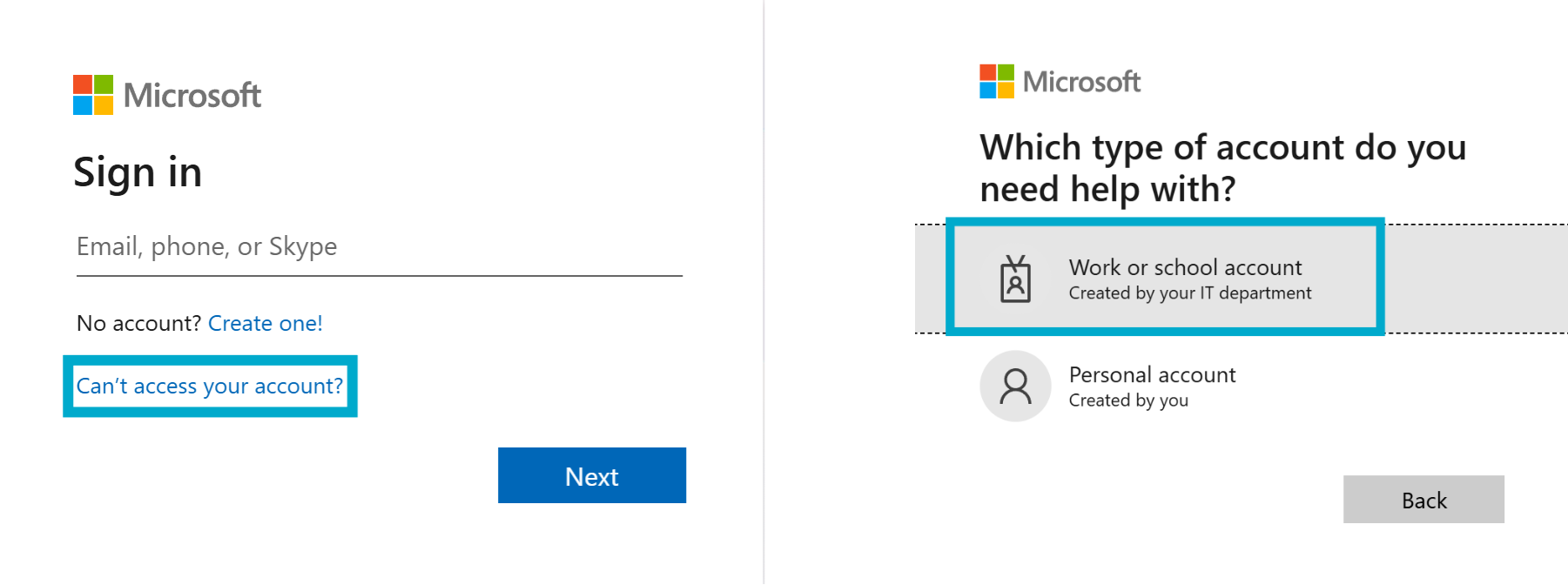
- From the Microsoft 365 sign-in page, select Can't access your account? > Work or school account
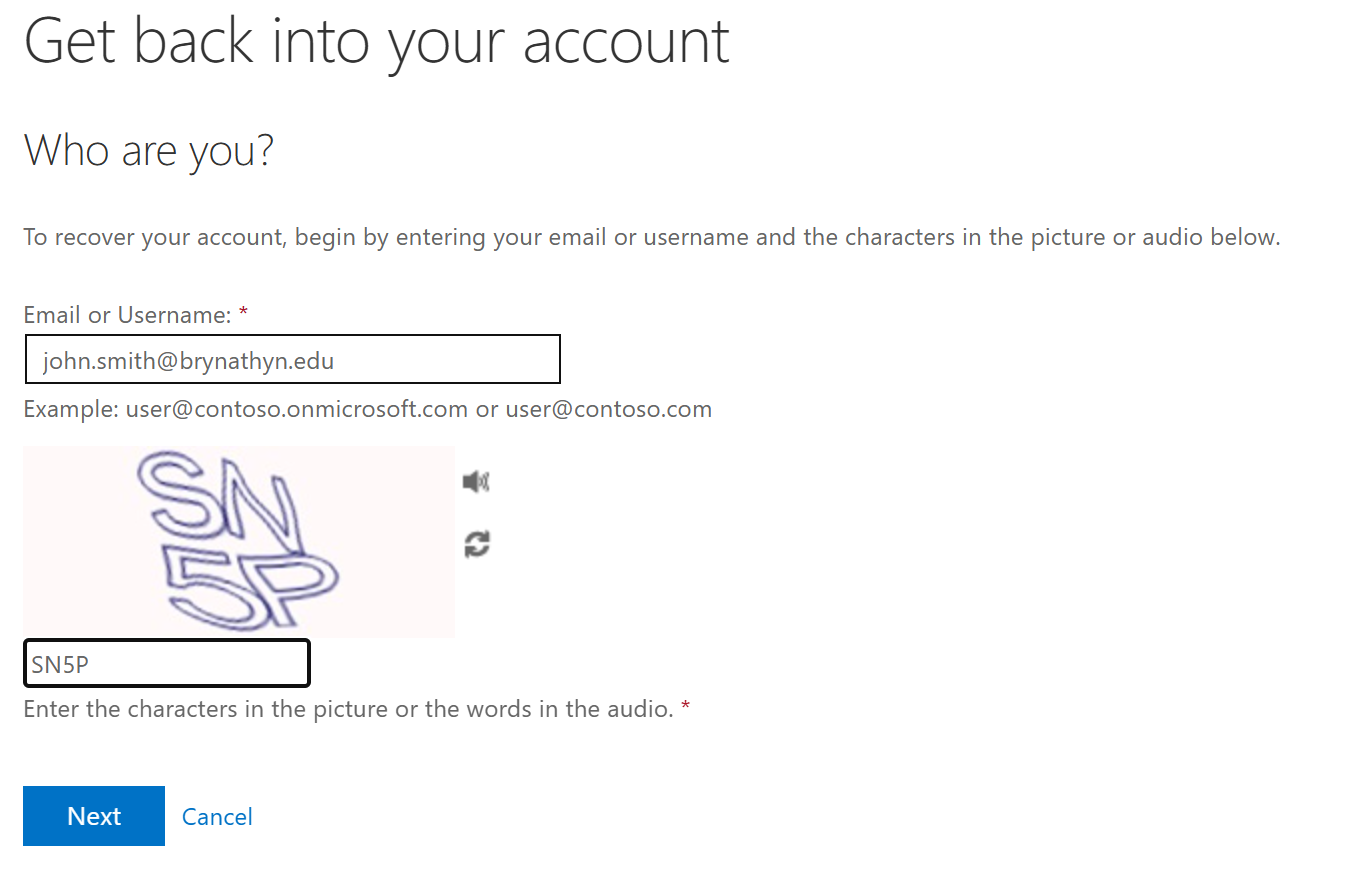
- Enter your Bryn Athyn College Microsoft 365 email address and then enter the characters you see on screen.
- Select I forgot my password