Navigating the help articles
This page contains some tips and tricks for getting around this website in case you get lost.
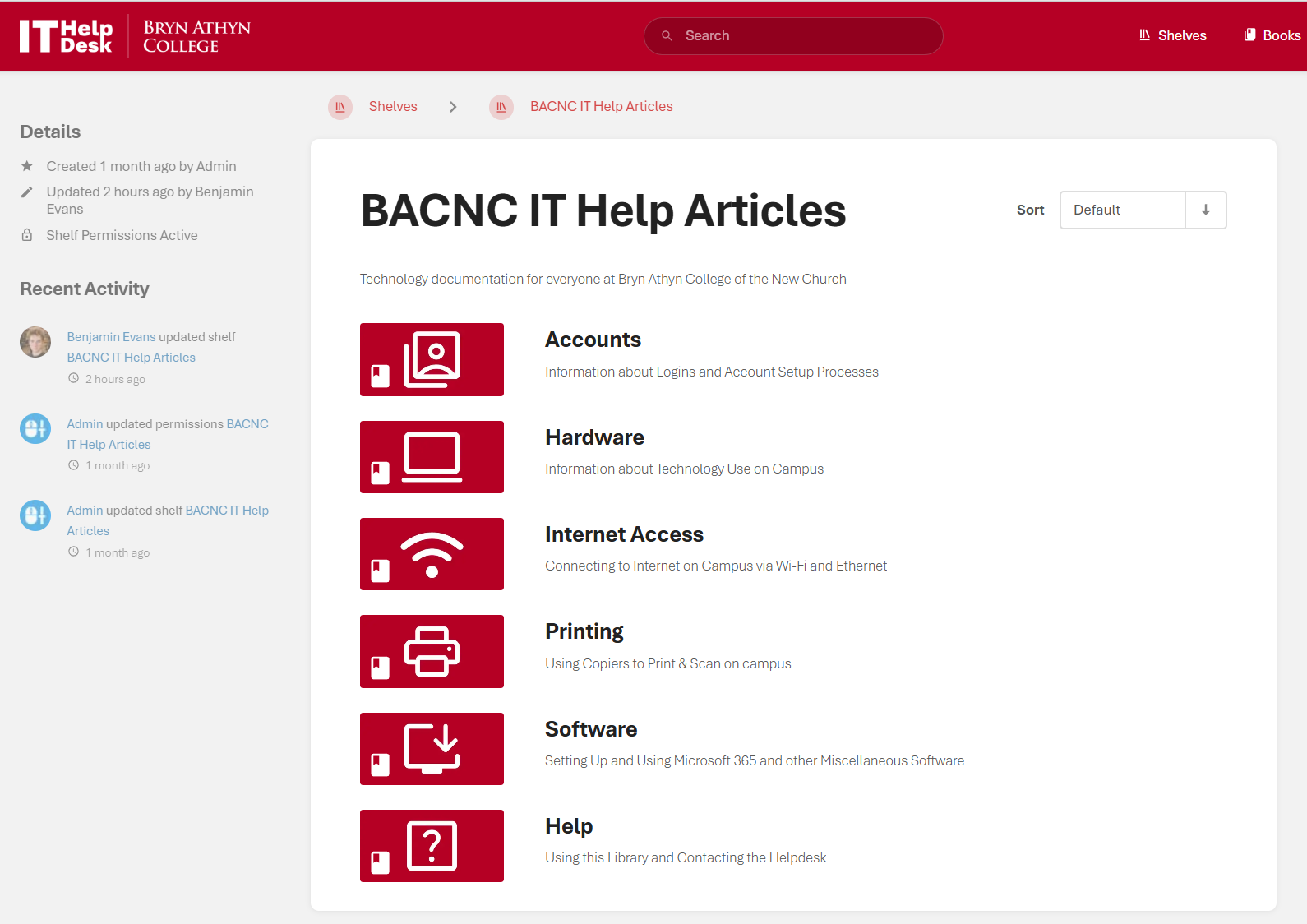
- This website is divided into Books, Chapters, and Pages.
- Books contain Chapters and Pages of one genre of articles, such as Printing.
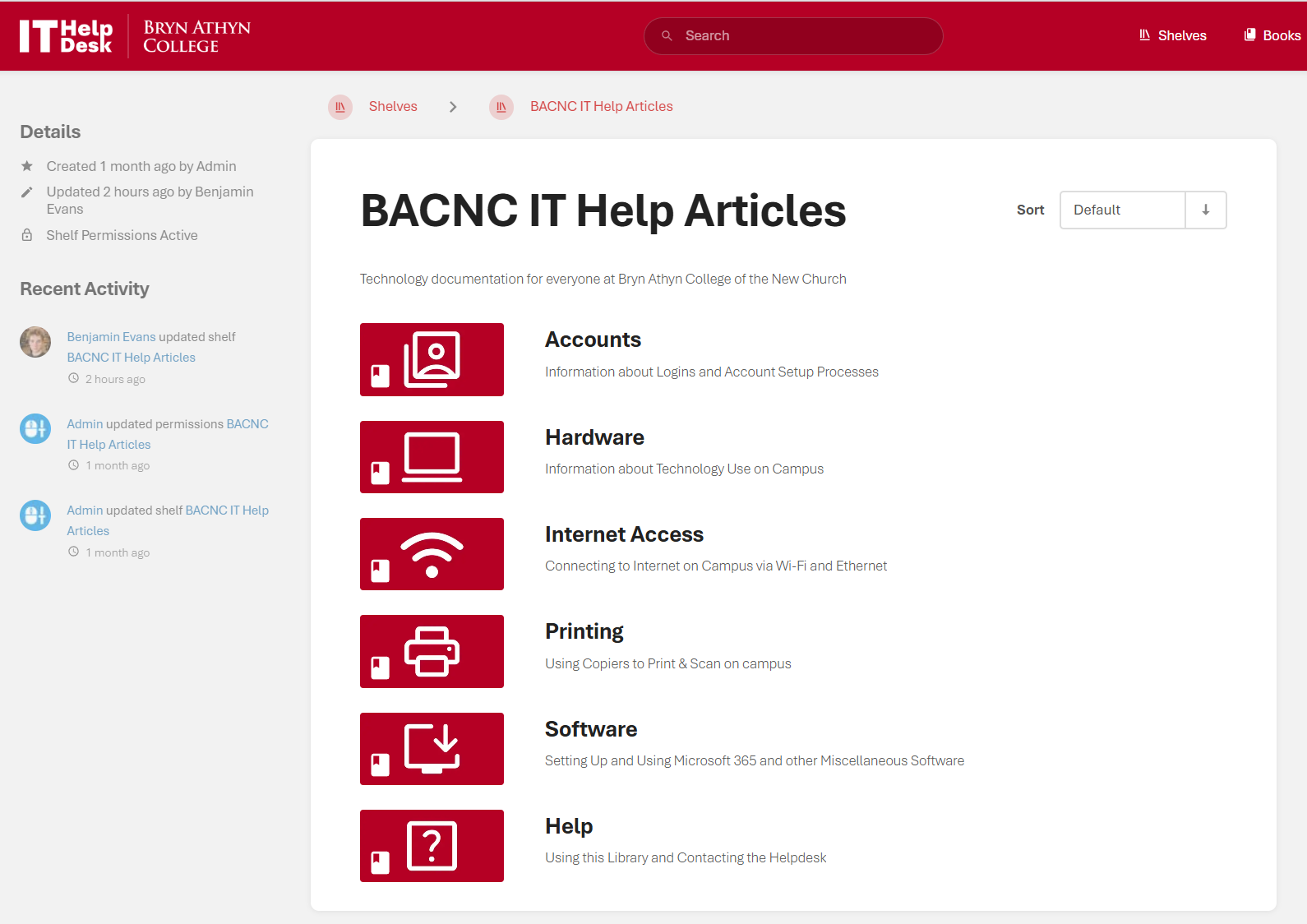
- The logo in the top left can be clicked to return to the Shelf view, which contains all books.
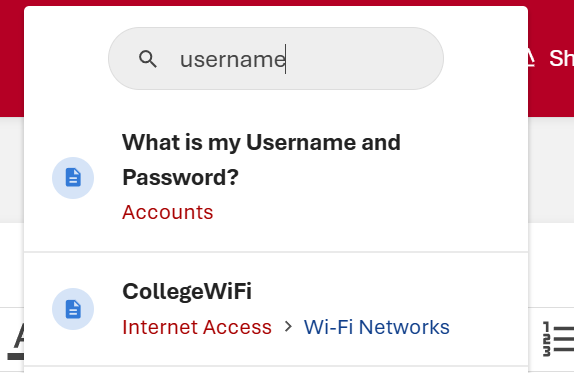
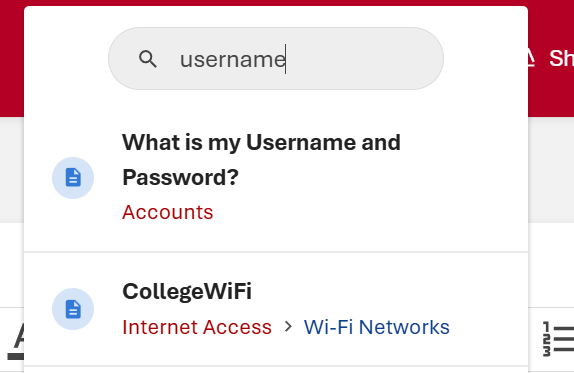
- You can search for specific pages via the search bar at the top of the screen.
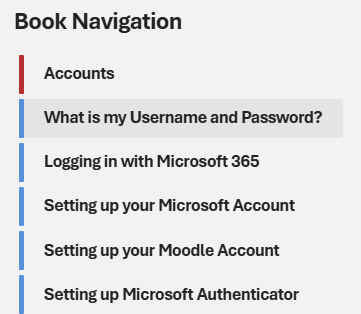
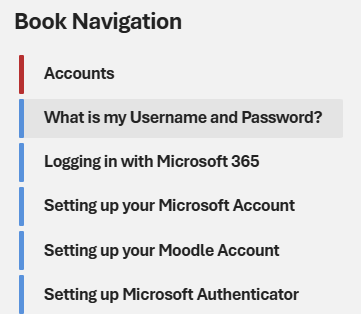
- Book navigation
- This can be used to jump from page to page within a book without returning to the book page itself.
- Locate it to the left of the content pane in any page.
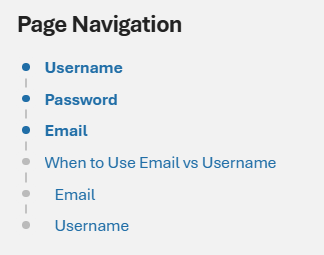
- Page Navigation
- Click on a section to jump to that header in the document.
- Locate it to the left of the content pane in pages that contain headers.
- This is a useful tool for longer articles with multiple headers.
- Printing a Page
- You can print a page if you want to have it on location.
- Press
ctrl+P on any page to do so. This will be the most consistent method.