
BACGuestWiFi
Guests on campus can connect to BACGuestWiFi by selecting the network and using the password:
RedLoins1
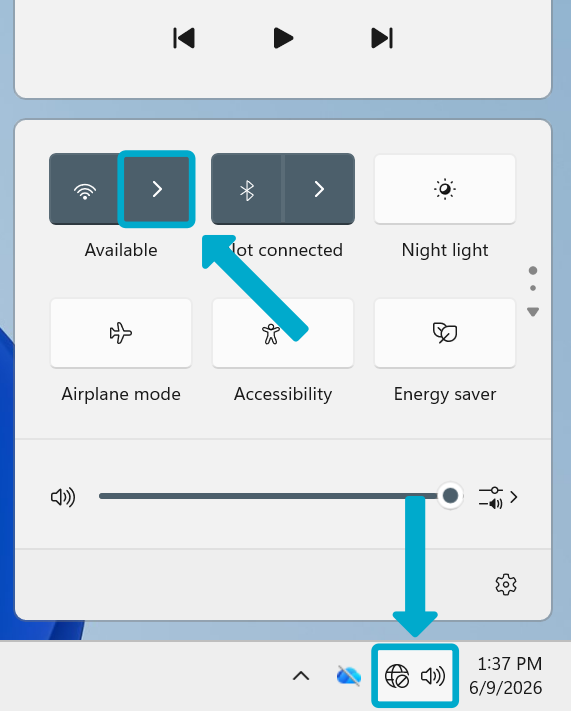
- Open the Quick Access panel in the taskbar
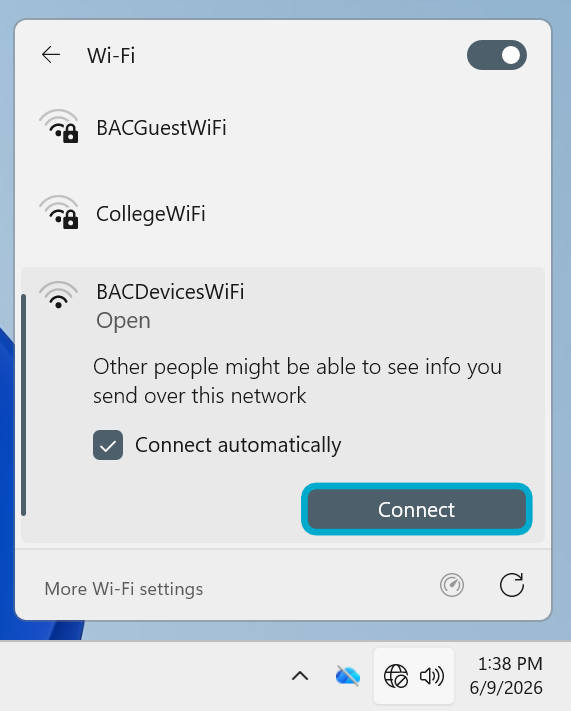
- Click the arrow by the Wi-Fi symbol
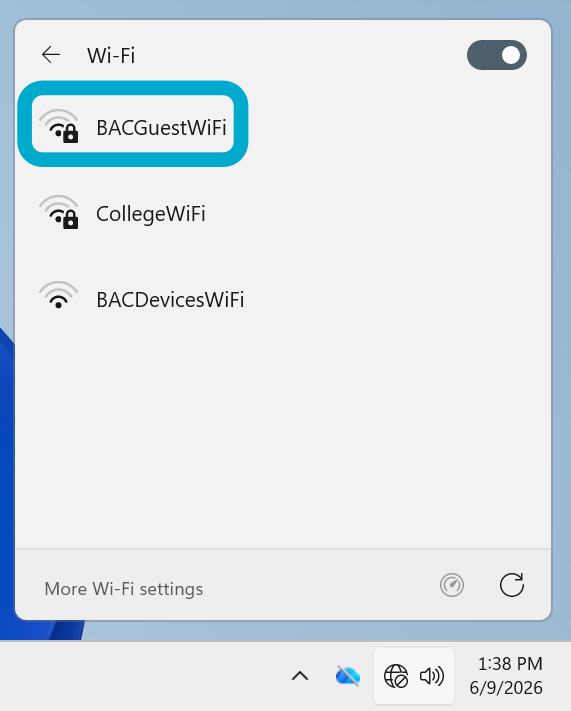
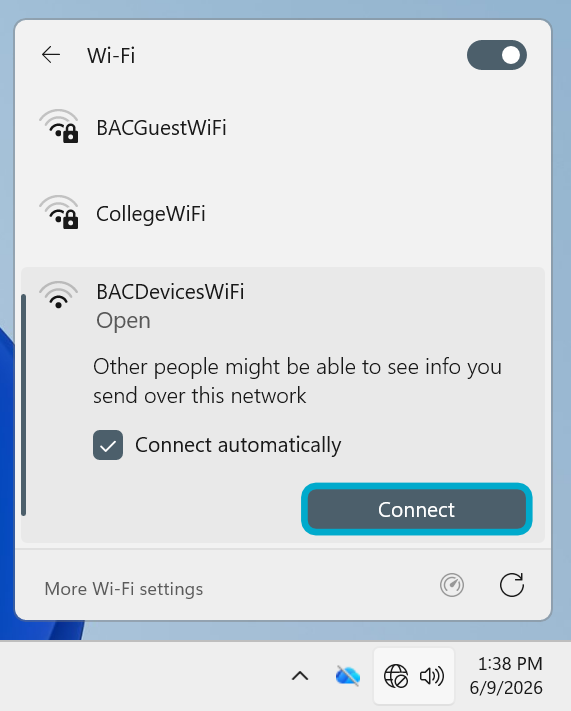
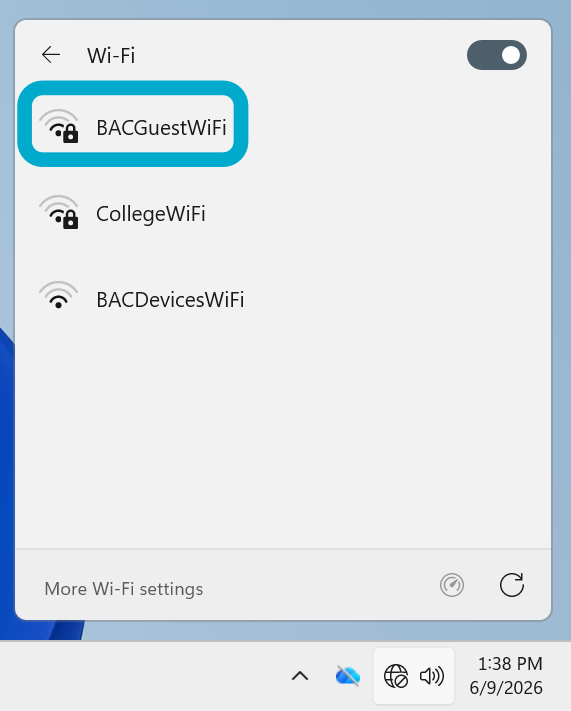
- Select BACGuestWiFi then Connect
Enter the password {{@69#bkmrk-redloins}}