Setting up Moodle Account
Log in
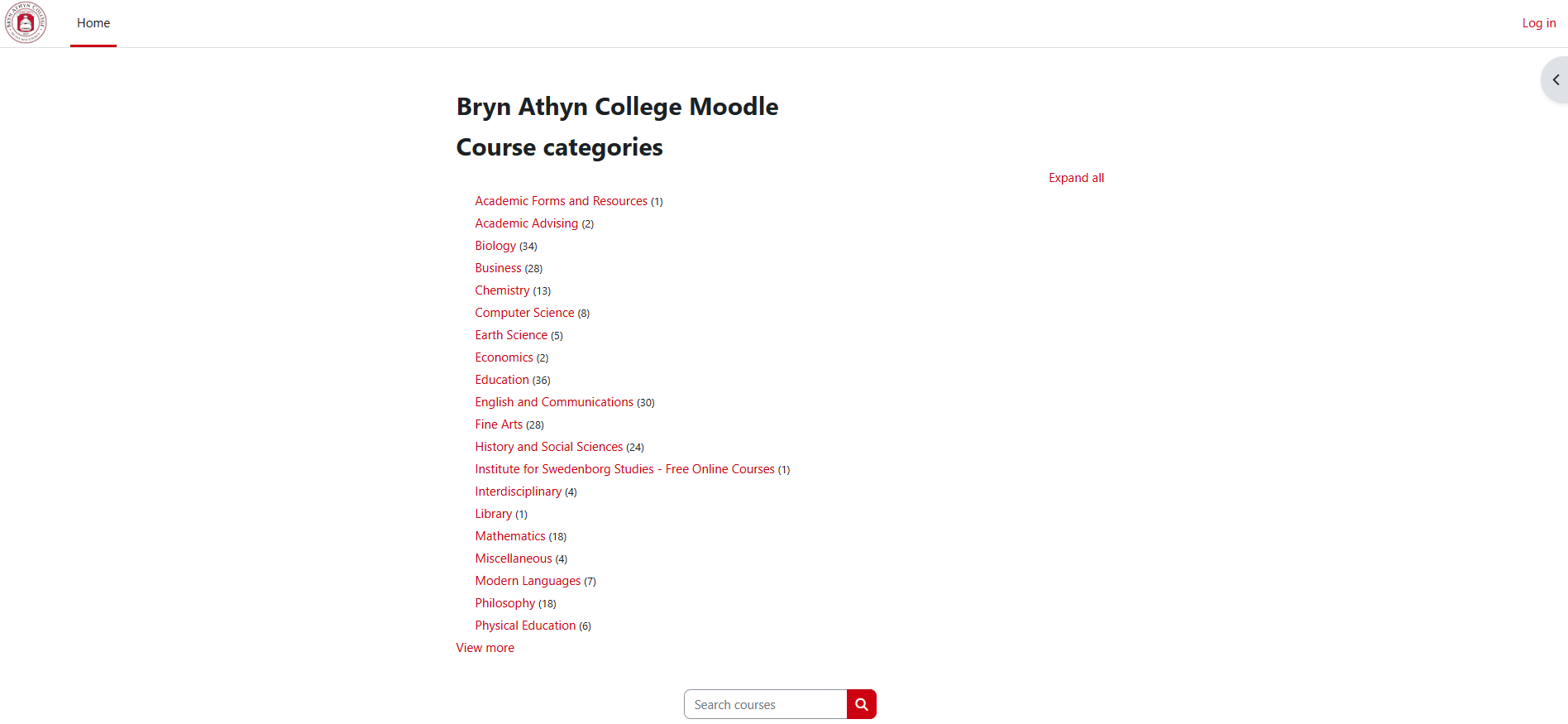
- Navigate to https://moodle.brynathyn.edu. This is the homepage for BAC's Moodle site, which is what you should see when you first enter the page.
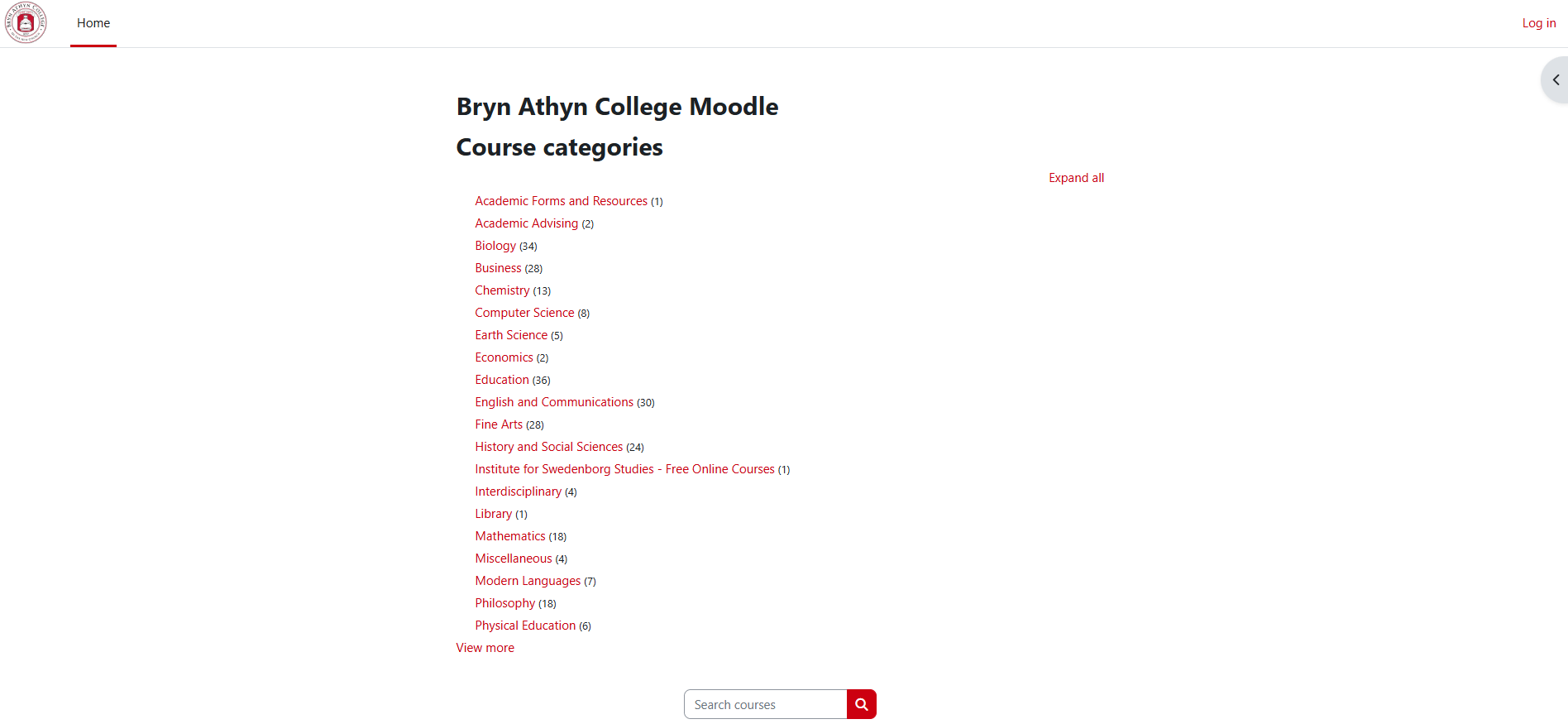
- Click on the small, red "Log In" in the top right corner of the screen.
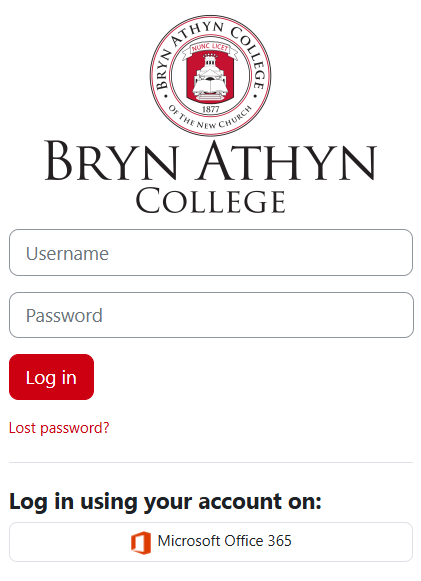
- Click "Microsoft Office 365".
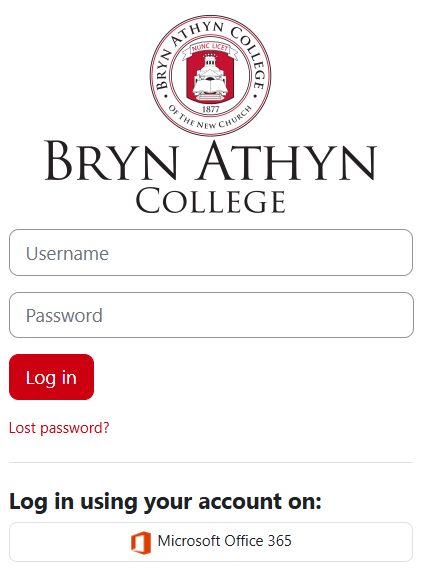
DO NOT enter a username or password in the above window. It will not work.
- Follow the instructions in [link] to sign in with your Microsoft account using Single Sign On.
Enter your Information
For first time logins, you will be prompted to fill in some information. 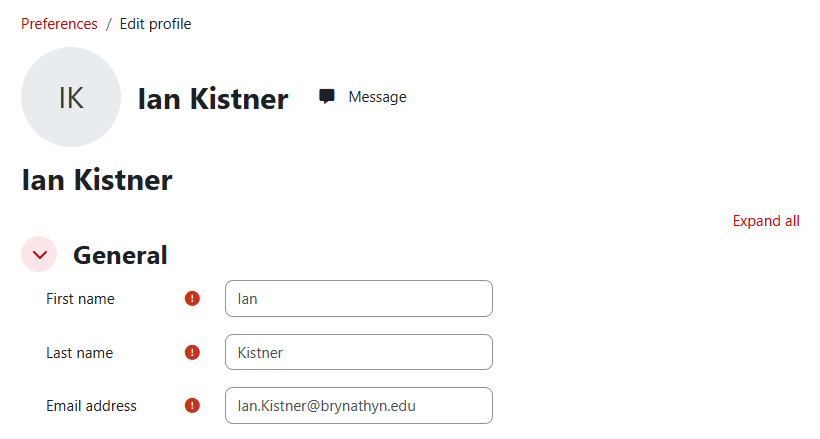
- Enter your first name, last name, and email address
- There are more information fields, but the only required three are marked with the red exclamation mark.
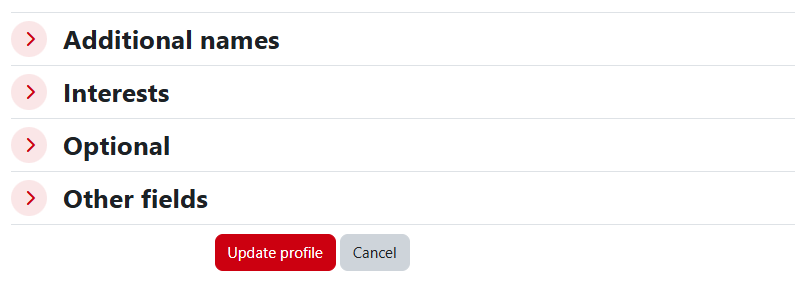
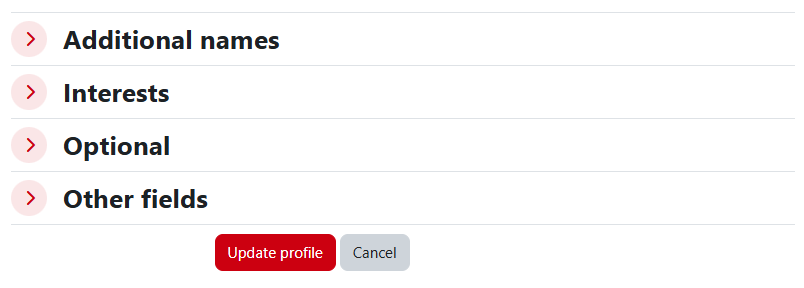
- Scroll to the bottom of the page and select "Update Profile"