Setting up your Moodle account
This page covers first time setup for your Moodle account.
Log in
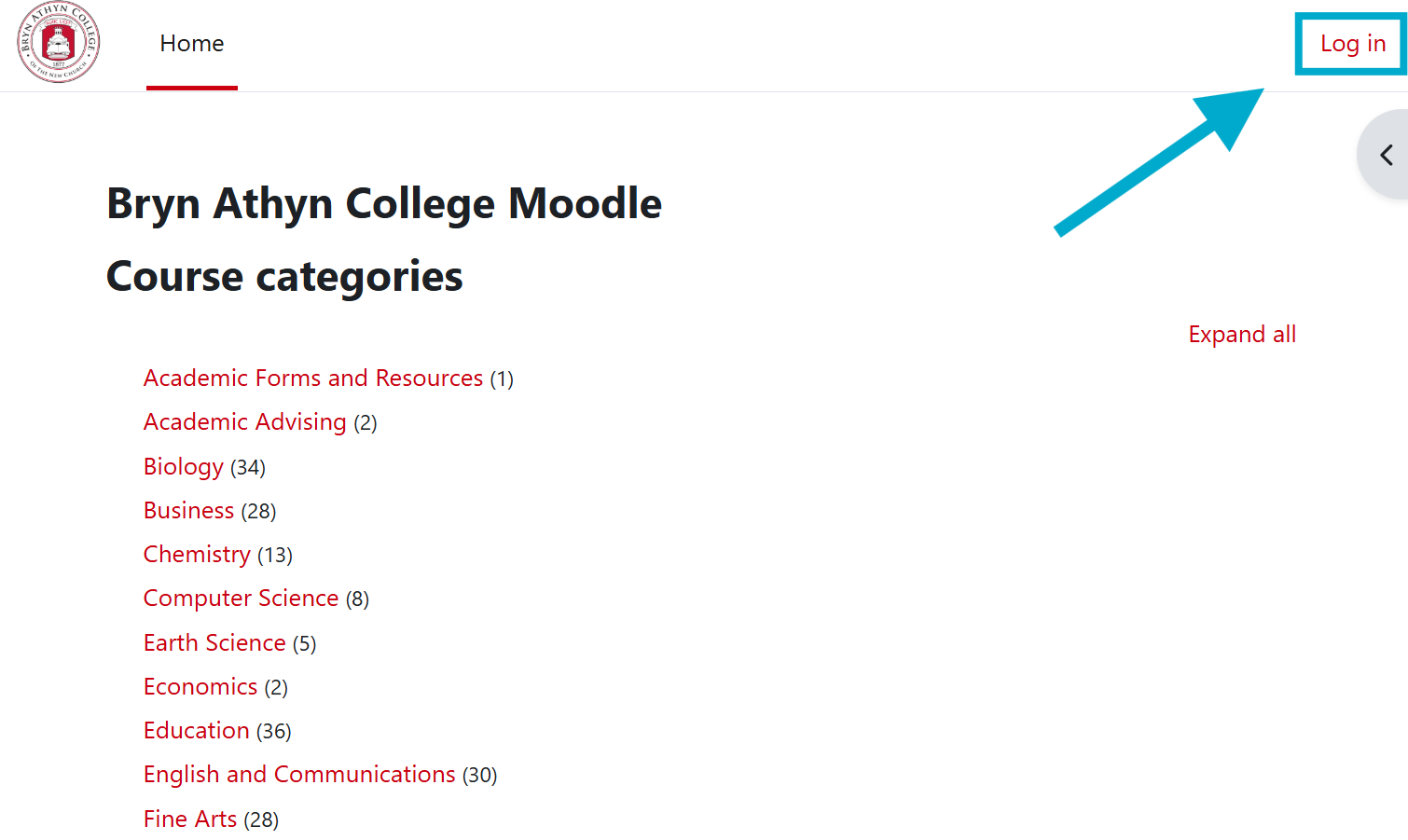
- Navigate to https://moodle.brynathyn.edu. This is the homepage for BAC's Moodle site, which is what you should see when you first enter the page.
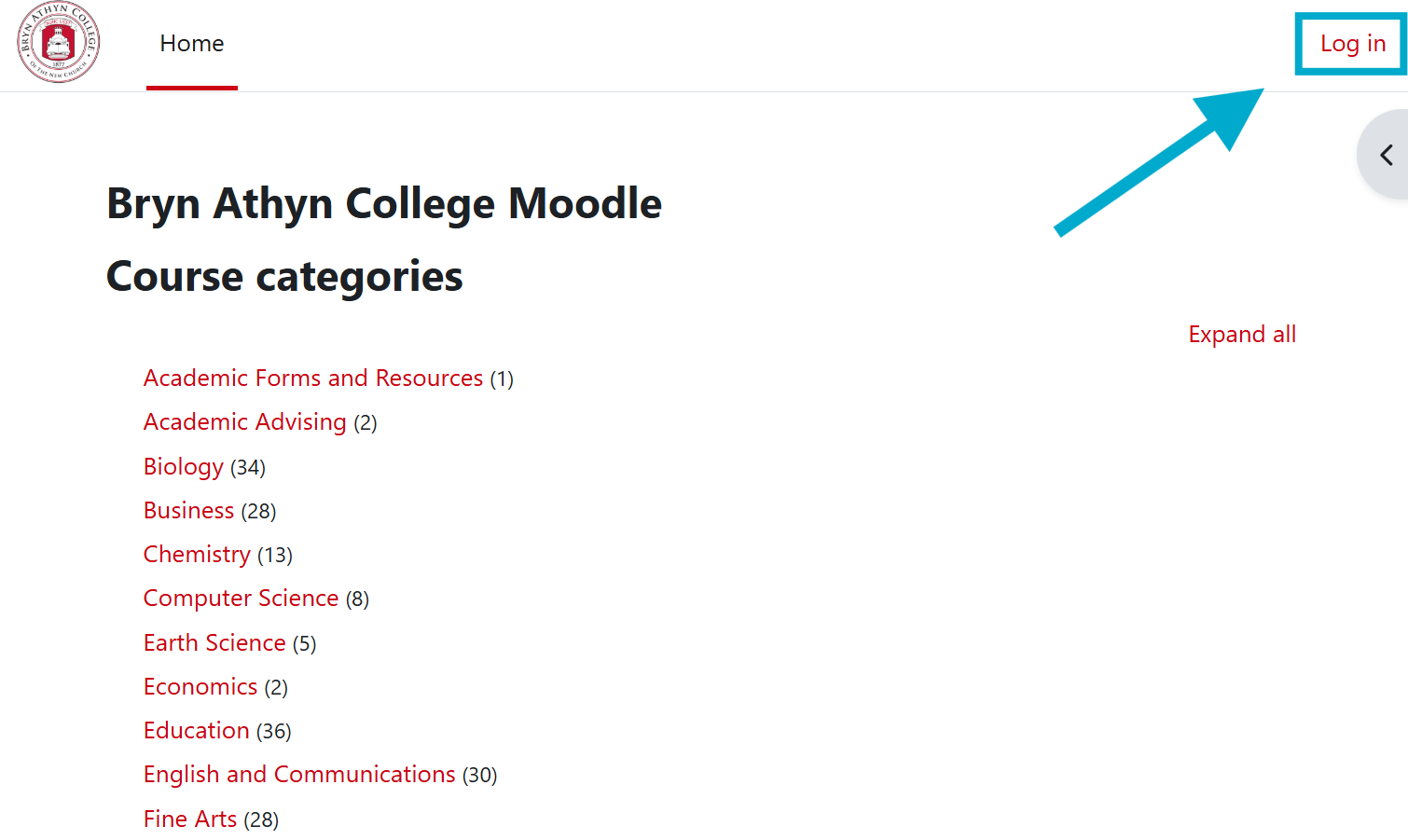
- Click Log In.
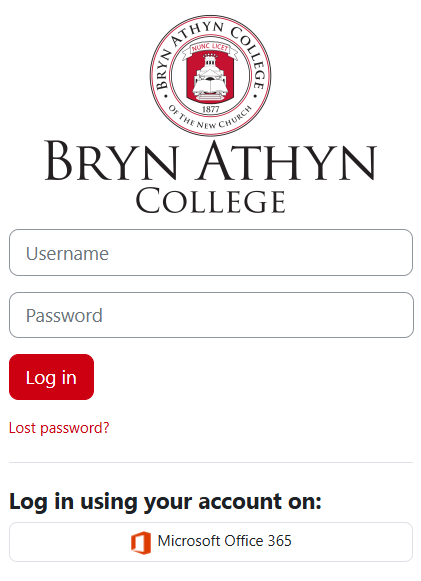
- Click Microsoft Office 365.
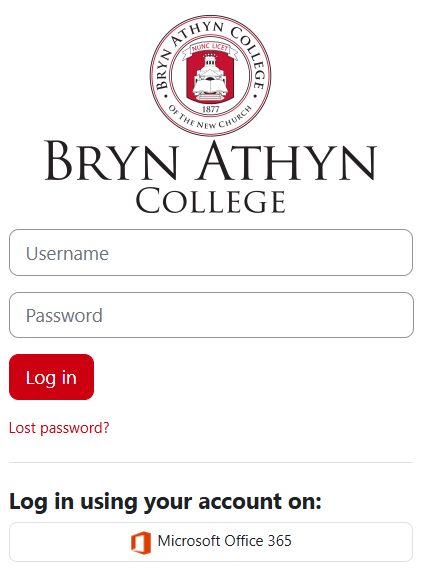
DO NOT enter a username or password in the above window. It will not work.
- Follow the instructions in Logging in to Microsoft 365 to sign in with your Microsoft account using Single Sign On.
Enter your information
For first time logins, you will be prompted to fill in some information.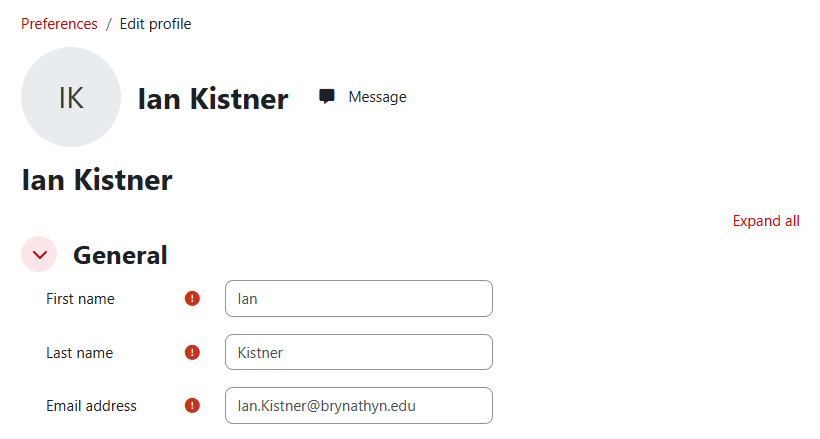
- Enter your first name, last name, and email address.
- There are more information fields, but the only three required are marked with a red exclamation mark.
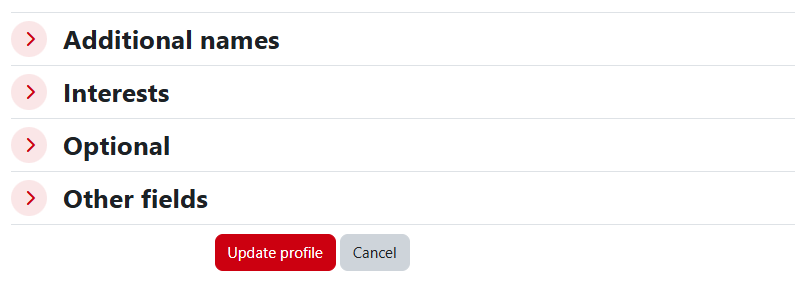
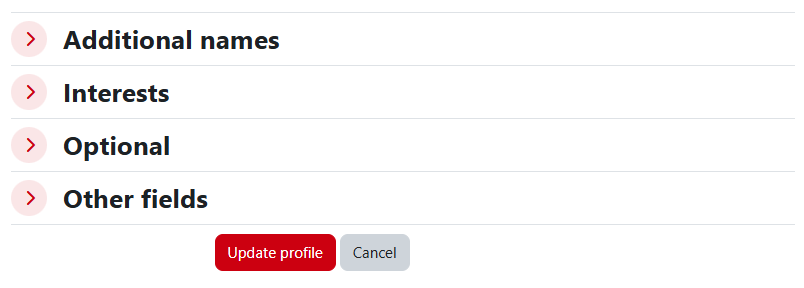
- Scroll to the bottom of the page and select Update Profile to confirm the changes.