
Secure Printing
Secure printing allows you to setup up a confidential/sensitive print job so that it won’t print until you are physically at the copier. This prevents sensitive and protected information from being accessible to anyone else that uses the copier before you get to it. The two methods for secure printing are listed below.
FindMe
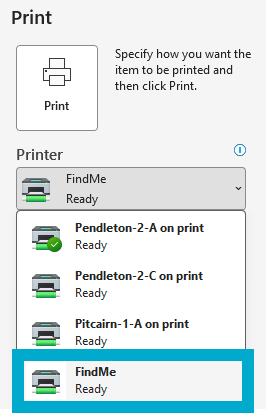
Printing to FindMe is secure by default, as the print job is not released anywhere until you scan your ID at a copier. See the page for PaperCut for instructions on how to set this method up for the first time.
- Select FindMe to print to in whatever software you’re printing from.
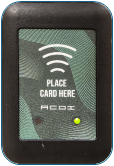
- After printing to FindMe, go to the copier that you’d like to print to, and scan your ID card to release the print there.
Web Printing
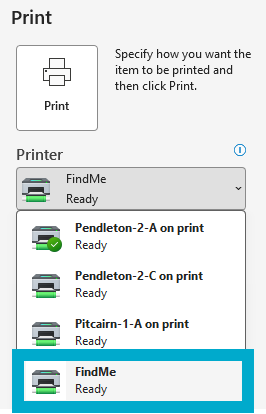
If you don’t have PaperCut Print Deploy installed, and you’re only planning on printing a few things securely, you can follow the Web Printing instructions in Web Printing to print from print.brynathyn.edu, which accomplishes the same thing as printing to “FindMe” from within other software like Word.