
Accessing the Library's Electronic Resources
The Swedenborg Library subscribes to a number of electronic resources to support students, faculty and patrons in their research and education.
To access these resources, you will be required to login through OCLC's EZProxy usingis a service that makes it simple for members of the Bryn Athyn College community to access the Swedenborg Library’s Electronic Resources.
- Go to the Swedenborg Library's Electronic Resources.
- Select one of the available databases.
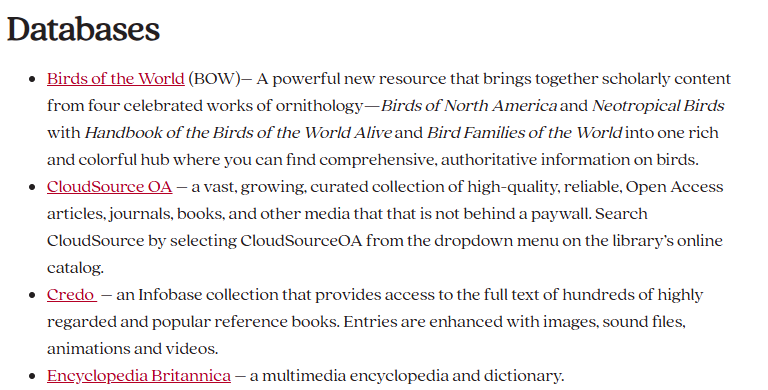
- On the OCLC login screen, enter your campus username and password.
WhatPleaseiscontactmy Username and Password?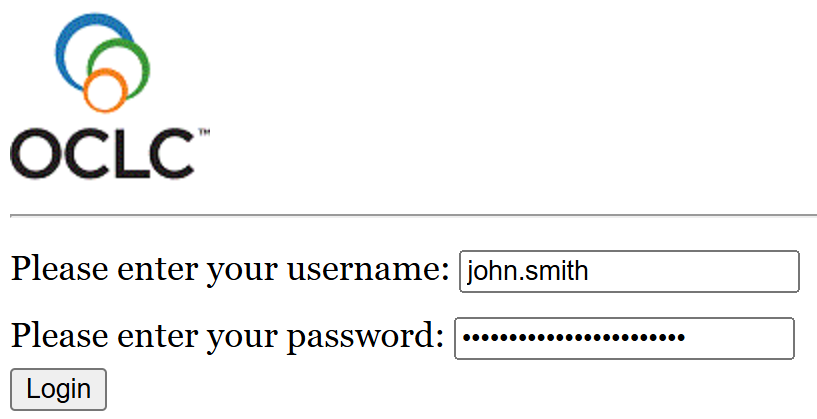
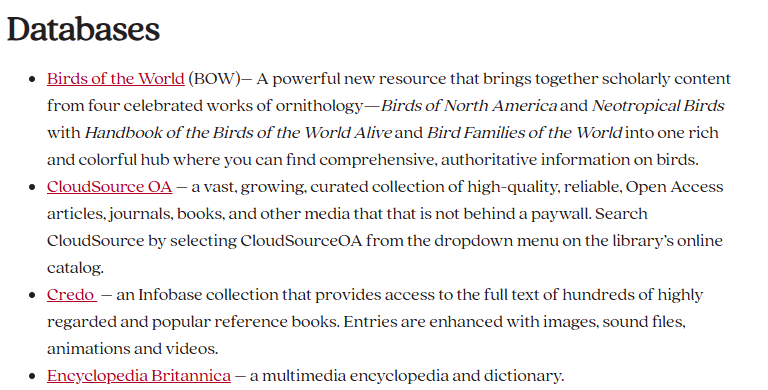
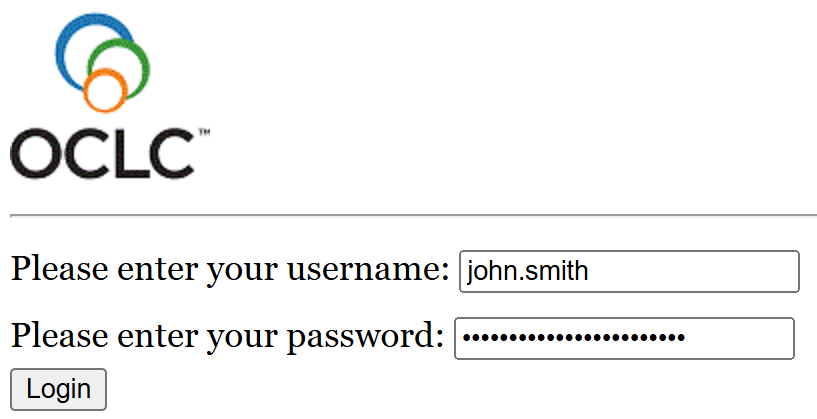
Once you log in, the Librarysession circulationwill deskstay oropen for 2 hours with no activity.
As long as you are active, the Helpdesksession ifwill youstay need assistance.open.